Body measurements
Tape measurements — waist, chest, arms, and the rest — tracked separately from your scale weight, one site at a time.
What this page does
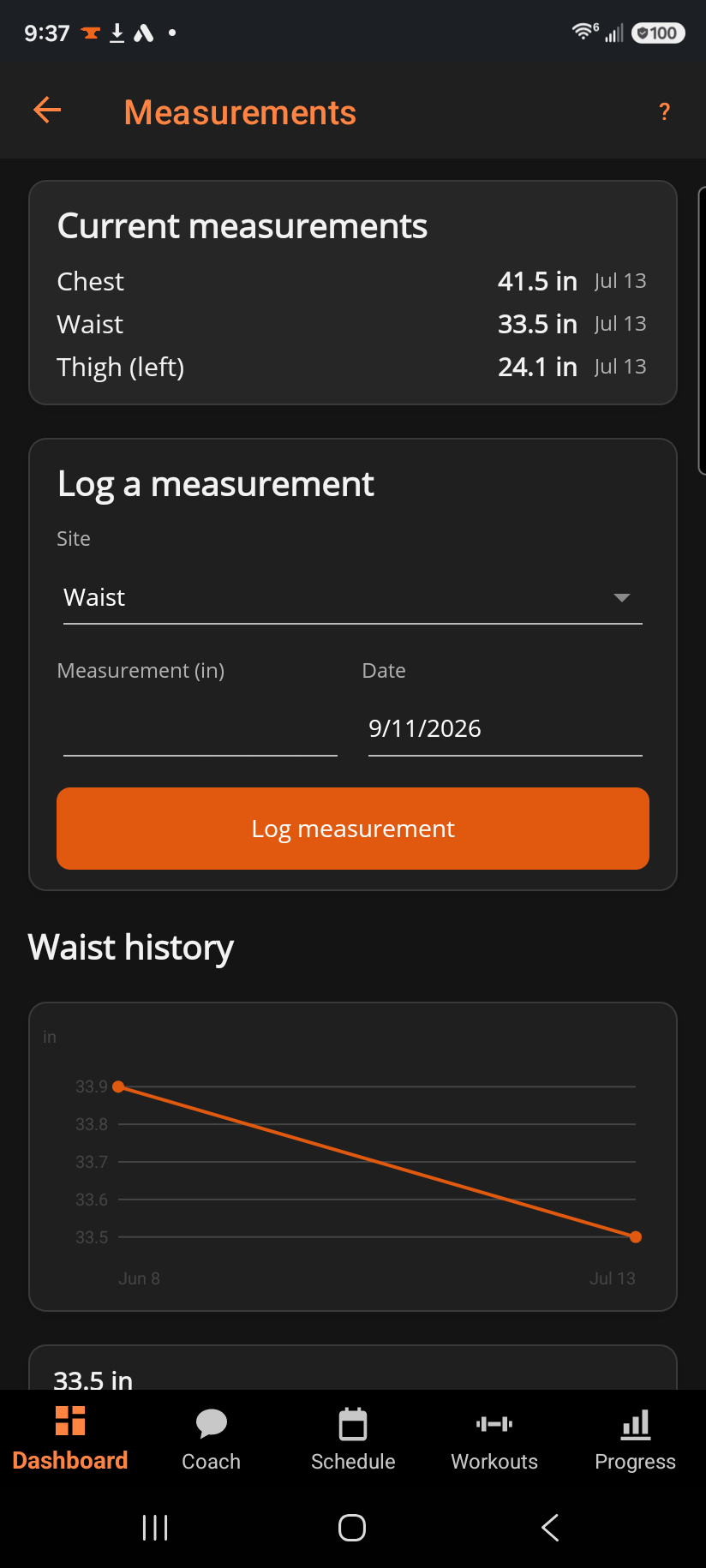
Current measurements lists the latest reading for every site you've logged at least once — nothing shows until you log your first one. Below that, Log a measurement records a new reading for the site you pick, in your length unit, on any date. Choosing a site loads its trend chart and full history at the bottom of the page.
Step by step
- Pick a Site from the thirteen available: Neck, Shoulders, Chest, Waist, Hips, Biceps (left/right), Forearm (left/right), Thigh (left/right), Calf (left/right).
- Enter the measurement and a date, then tap Log measurement.
- Switch sites in the picker to see that site's own trend chart and history — each site tracks independently.
Good to know
Measurements sync the same way your other data does, but they aren't shared with Health Connect — that's bodyweight only (see "Bodyweight log"). Delete a bad entry with the ✕ next to it in the history list; you're asked to confirm before it's gone for good.
Related: Bodyweight log.