Bodyweight log
Your scale weigh-ins, in one running list — the same numbers the Coach nutrition card and your progress photos draw from.
What this page does
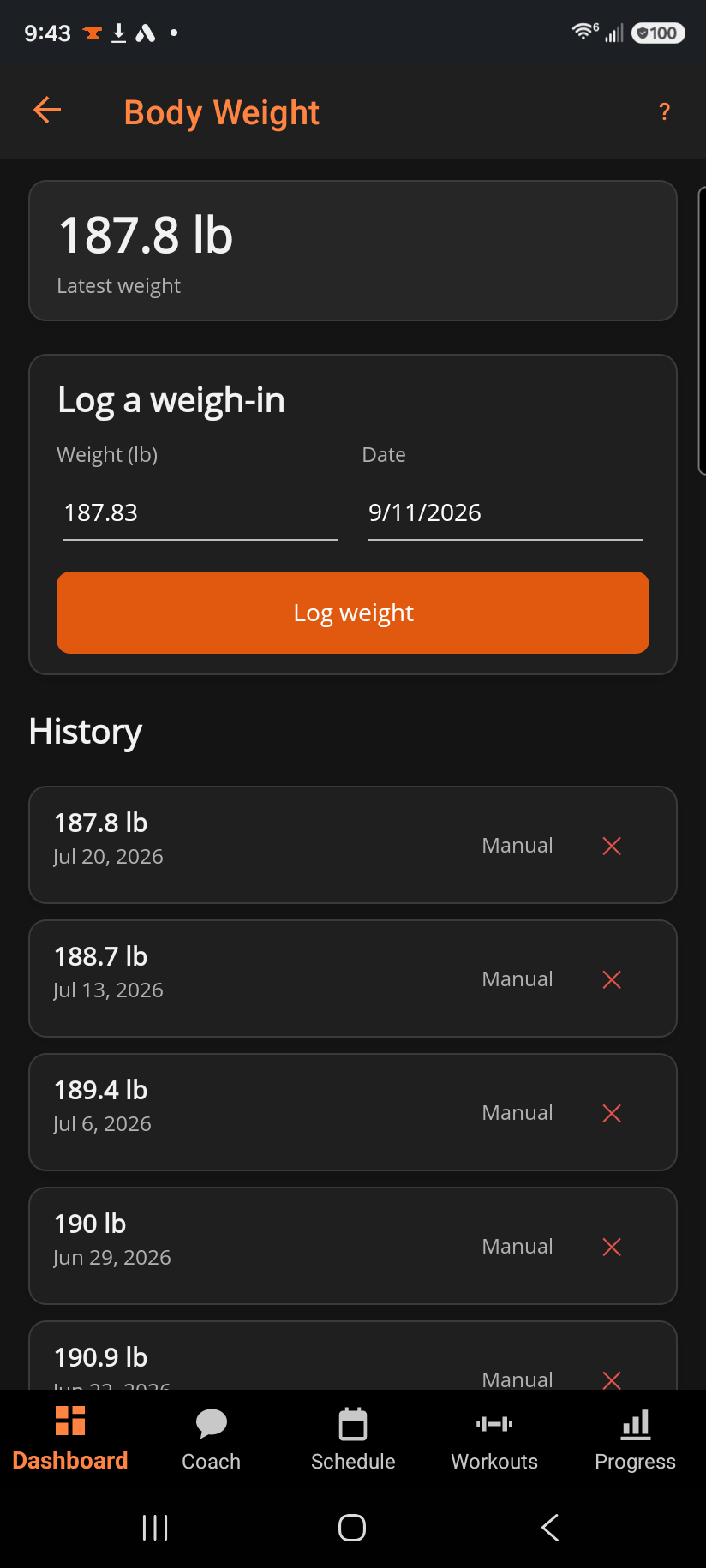
The top card shows your latest weight. Below it, Log a weigh-in records a new entry in your weight unit for any date, and every entry you've logged appears in History underneath, most recent first, tagged with where it came from.
Step by step
- Enter your weight and a date, then tap Log weight. The field starts prefilled with your last entry, so a same-morning re-weigh is a single tap to submit.
- On Android, if you've connected Health Connect, each weigh-in also writes there automatically. Your weigh-in is saved here even if Health Connect can't be reached.
- Delete a mistaken entry with the ✕ next to it; confirm the prompt and it's removed from here and, best-effort, from Health Connect too.
Good to know
The source shown per entry is either Manual (logged here) or Health Connect (imported automatically) — both count the same way everywhere else in the app, including as the "nearest bodyweight" tag on your progress photos.
Related: Body measurements, Progress photos.