Help & how-to
The article you're reading is part of a whole knowledge base, hosted online so it can be updated without an app release.
What this page does
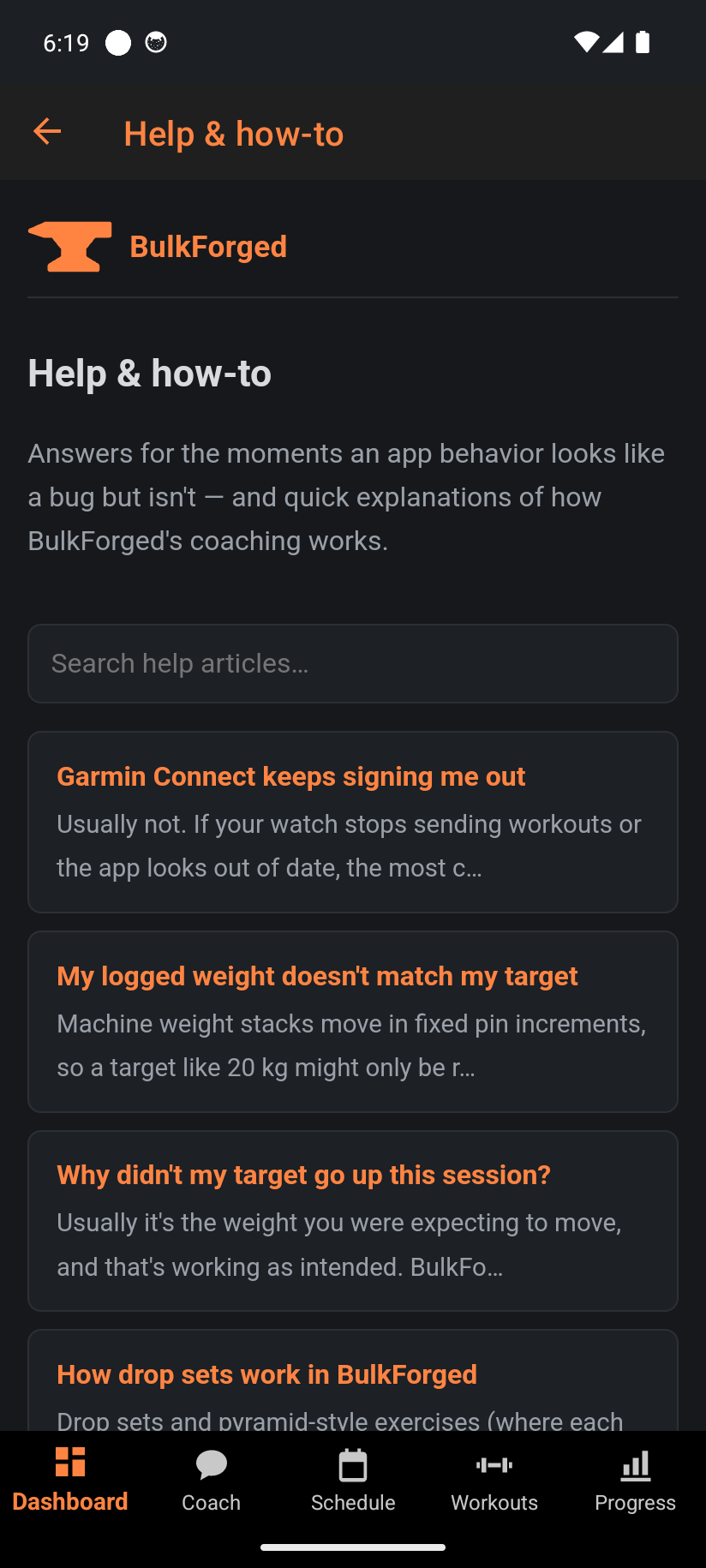
A search box over every article covering the app, plus a ? button on most pages that opens the article for exactly that screen. Reaching Help from a specific page (via its ?) jumps straight to that page's article instead of the search landing.
Step by step
- Type what you're stuck on into search — "garmin", "target didn't go up", "deload" — and pick the closest match.
- On any page with a ? in its toolbar, tap it to open that page's own article directly.
- Every article links to the concepts it depends on (progressive overload, deload, RIR, and so on) so you can follow the thread if the first answer raises another question.
Good to know
If you open Help with no connection, it shows a saved offline copy instead of going blank — a banner reads "You're offline — showing saved help" so you know it might be a step behind the live site. If you didn't find an answer, Send feedback from About & support reaches us directly, and tells us what to write next.
Related: Send feedback, About & support.