Connected services
Android only. This page controls Health Connect, the on-device hub Android uses to share health data between apps.
What this page does
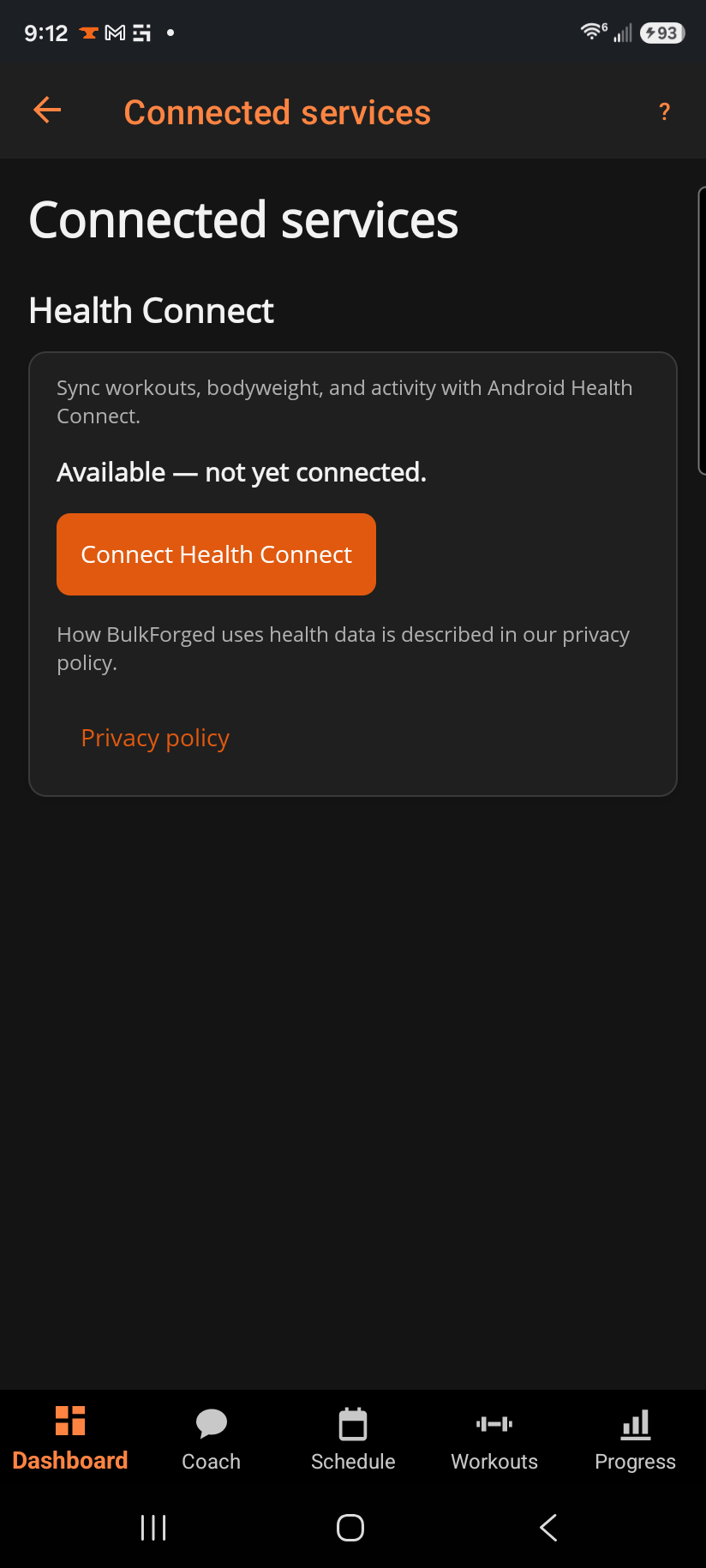
Connect BulkForged to Health Connect, then choose exactly what flows in each direction: writing your workouts and bodyweight out, and reading bodyweight and active calories in.
Step by step
- Tap Connect Health Connect and grant the permissions Android asks for.
- Once connected, toggle each category independently:
- Write workouts / Write bodyweight — send your BulkForged data out to Health Connect, so your other health apps see it.
- Read bodyweight — pull in a weigh-in logged elsewhere (a smart scale app, for example).
- Read active calories — used for cardio calorie estimates.
- The summary line shows what Health Connect currently holds for you.
- Disconnect Health Connect withdraws access at any time — you don't need to leave the app to do it.
Good to know
This page only exists on Android, since Health Connect itself is Android-only — on Windows there's nothing to connect. How BulkForged uses health data once connected is covered in the privacy policy, linked at the bottom of the page.