Settings
Everything you can configure, grouped into six focused pages.
What this page does
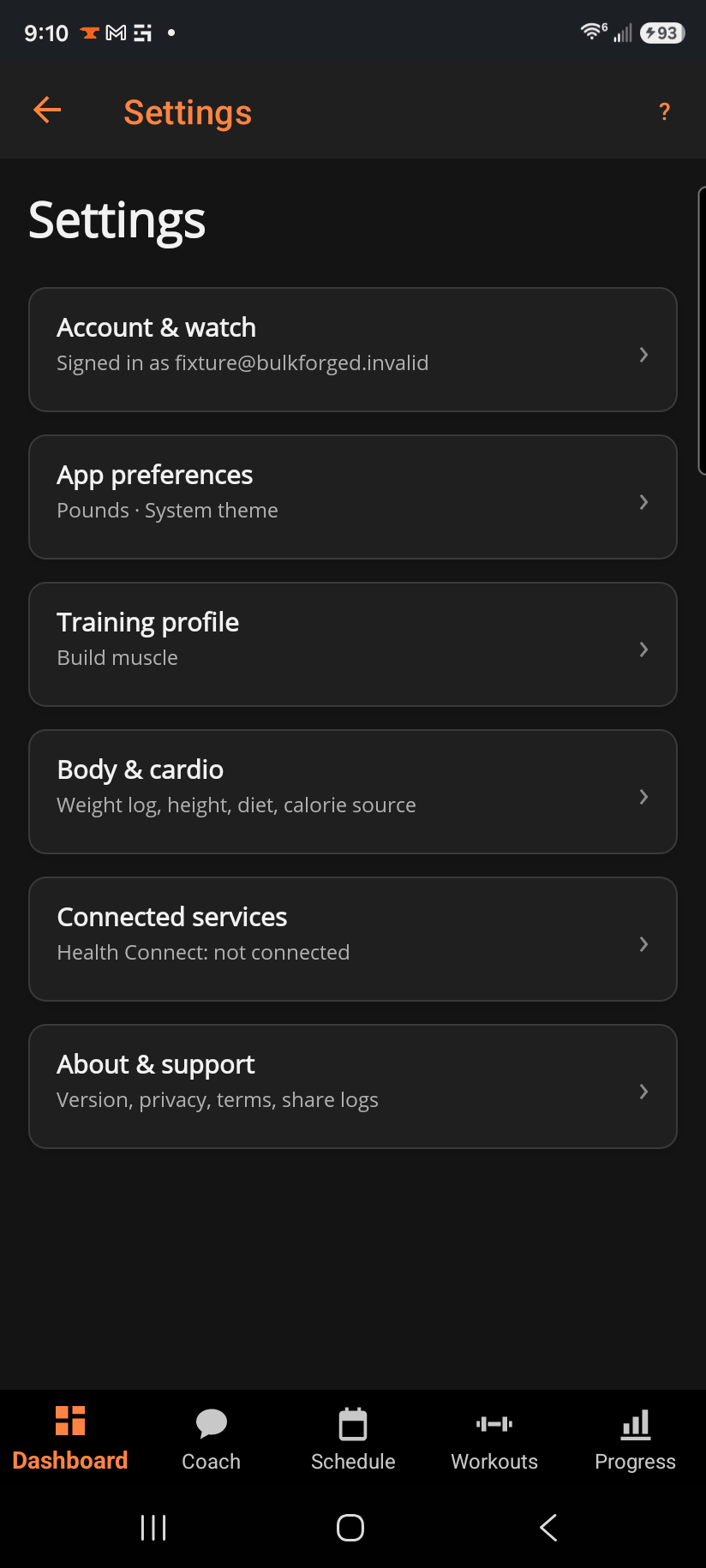
Settings is a hub, not a form — each row opens its own page, and the line under a row's title is a live summary (your sign-in state, your units, your training goal) so you can often tell where you're at without opening it.
Step by step
- Account & watch — sign in/out, Garmin watch pairing, delete account.
- App preferences — units, theme, workout vibration, and diagnostic-report opt-out.
- Training profile — goal, experience, equipment, training days, and the RIR prompt.
- Body & cardio — weight log, measurements, photos, height, sex, diet style, and cardio calorie source.
- Connected services (Android only) — Health Connect.
- About & support — version, privacy, terms, feedback, and sharing diagnostic logs.
Good to know
Nothing here changes your training data — settings change how it's shown or which outside services it talks to, never the numbers themselves.
Related: Account & watch, App preferences, Training profile, Body & cardio, About & support.