What is a deload week?
A deload is a planned recovery week at about half your normal weight, and it never lowers your targets.
A quick example
Your leg press target is 12 reps at 100 lb.
- You start a deload week. For seven days the app asks for about 55 lb at your normal reps.
- Your real target stays at 12 reps at 100 lb the whole time.
- The week ends. Your next workout asks for 100 lb again.
When to take one
- Roughly every 6 to 8 weeks.
- Sooner if performance drops two or more sessions in a row.
- Sooner if your joints feel achy or your motivation is low.
Training lighter for a week works better than skipping training entirely.
Starting and ending a deload week
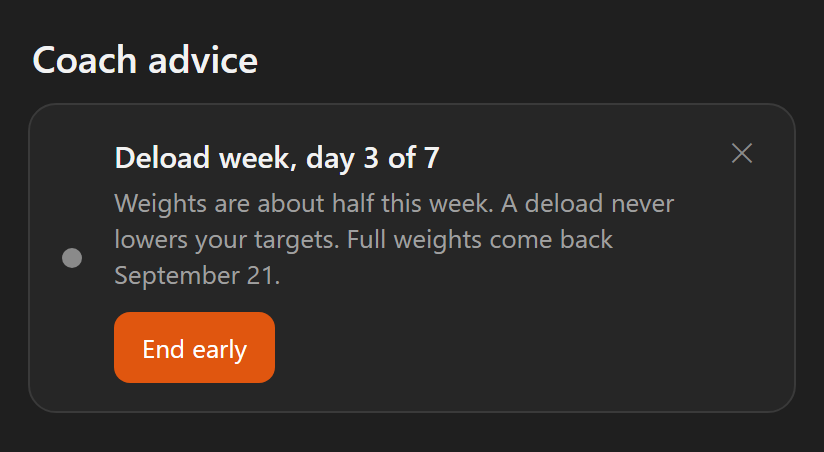
- Open the Coach tab. When a deload looks due, an advice card says so.
- Tap Start deload week on that card.
- Train as normal for seven days. Your workouts show the lighter weights, on your phone and on your watch.
- To stop sooner, tap End early on the deload card. Full weights are back the same day.
While the week runs, one Coach card shows which day you are on and when full weights come back.
What a deload changes
- Weights drop to about half, rounded to a weight your machine really has. Warm-up weights follow.
- Reps stay the same.
- Deload sessions never count against you.
- A deload never lowers your targets. You jump right back in at full weight.
- A lift where you still hit your full target weight and reps moves up as normal.
- Deload sessions carry a Deload badge in your workout history.
One lighter workout
Want a single easy session without starting a whole deload week? Use Deload workout on the Workouts tab.
- Tap Deload workout and pick a routine.
- It opens at about half your normal weights, rounded to real machine weights. Warm-ups follow.
- Train as usual. No target drops. A lift where you still hit your full target weight and reps moves up as normal.
No deload week starts, and your next workout is back at full weight.
Going light on one exercise
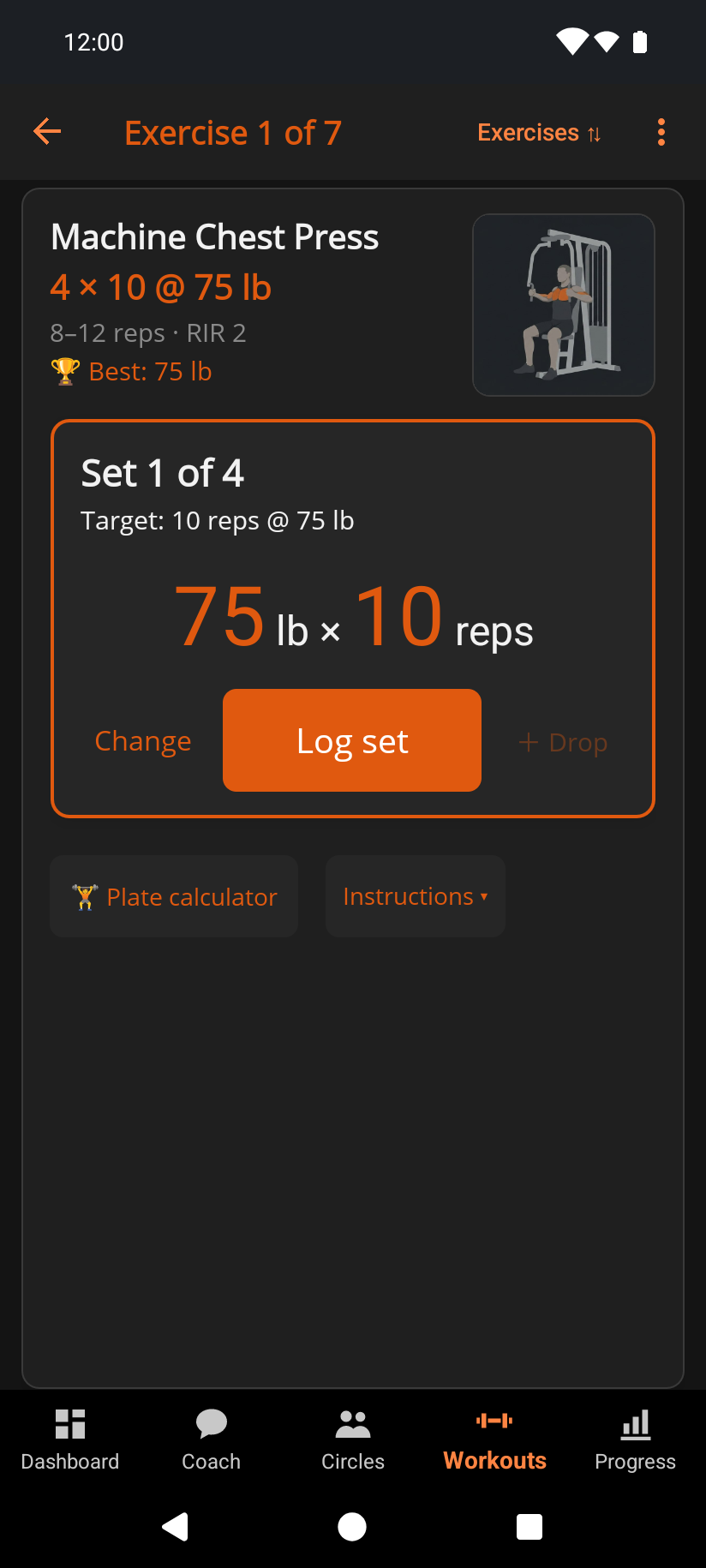
Use Go light in the ⋮ menu.
- Tap it and it reads Light ✓. Only that exercise is marked.
- Going light never lowers its target. If you still hit its full target weight and reps, it moves up as normal.
- The rest of the workout progresses as usual.
- No deload week starts.
- Tap it again to take the mark off.
- During a deload week or a Deload workout the button reads Deload ✓, because the whole workout is light. It stays on until you finish.
See it on video: a light day for one sore lift.
Related: How progressive overload works, Why didn't my target go up this session?, Coach, Logging a workout.