Machine taken? Skip the exercise and come back to it
What to do in BulkForged when the machine you need is taken. On the phone, tap Exercises and tap another exercise to switch to it, or tap » to move one to the end of the workout. On a Garmin watch, press Back and choose Jump to exercise. The one you jumped past stays in the list, so you can come back to it.
Switching exercises and logging your workouts are free.
It runs on 90+ Garmin watches: log your sets on your wrist, and the session lands in the app on your phone.
Read more
Chapters
- 0:00 On the phone
- 0:23 On the watch
- 0:34 Recap
Transcript
In this episode, I'll show you how to move around your workout when a machine's taken, on your phone and on your watch.
Alright, let's get started.
On the phone, I tap Exercises to open the list.
Then I just tap an exercise to switch to it.
Or if you'd rather save one for later, the double-arrow button moves it to the end of the workout.
On the watch, I press Back, then choose Jump to exercise.
The one you jumped past stays in the list, so you can come back to it.
So that's how you work around a busy gym floor.
Next up, supersets.
The link's in the description.
iPhone: waitlist at bulkforged.com
More videos
 1:25Workout log app: log a set, see what it takes to add weight
 0:50Gym rest timer app that starts itself when you log a set
 0:56Garmin strength training: log each set in three presses
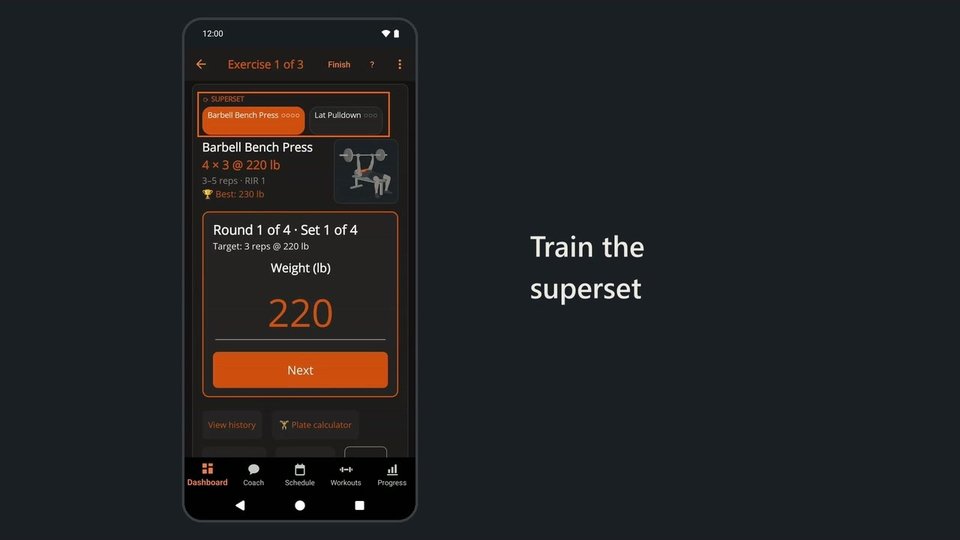 0:49Superset workout tracker: rest only after each round
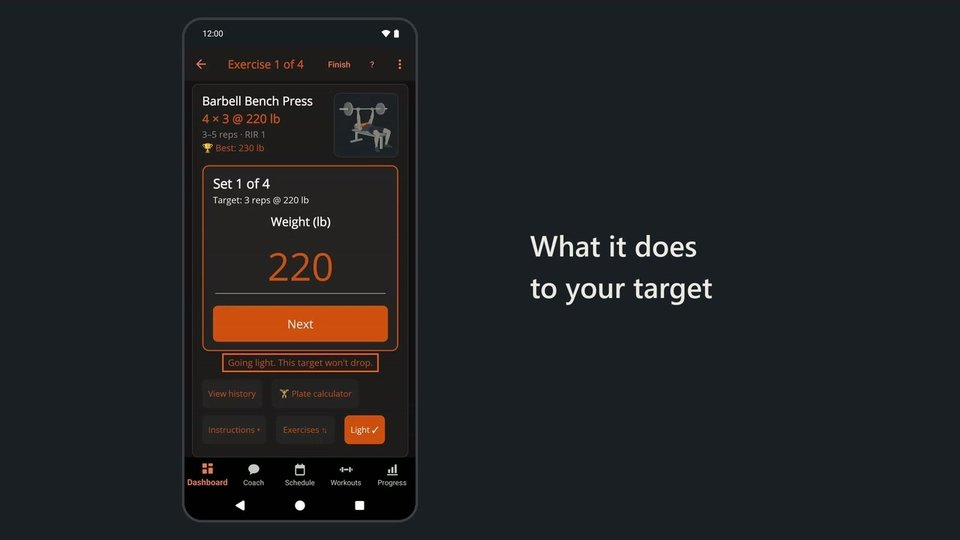 0:50Light day for one sore lift, without losing progress
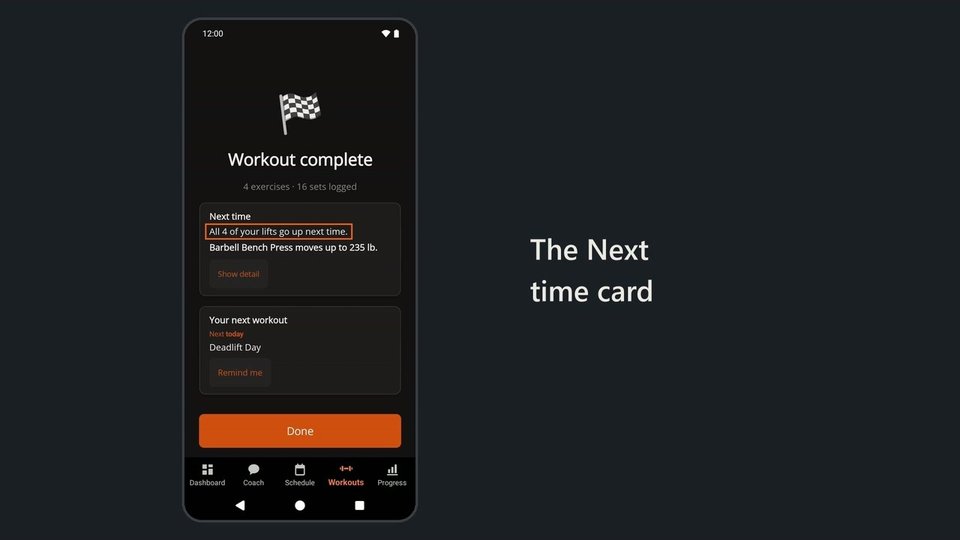 1:05Progressive overload app: finish a workout, see what goes up
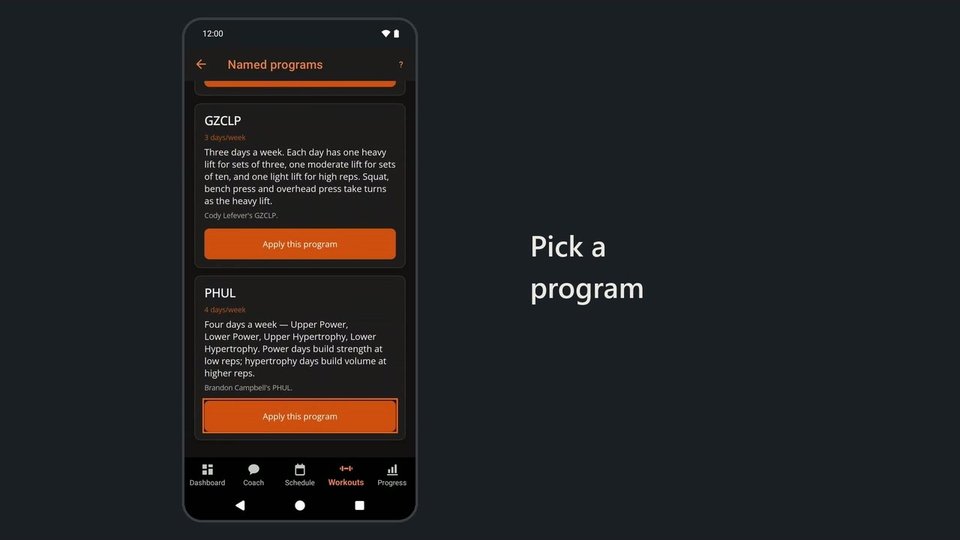 1:14Workout program app: PHUL, Greyskull LP, 5x5 or build your own
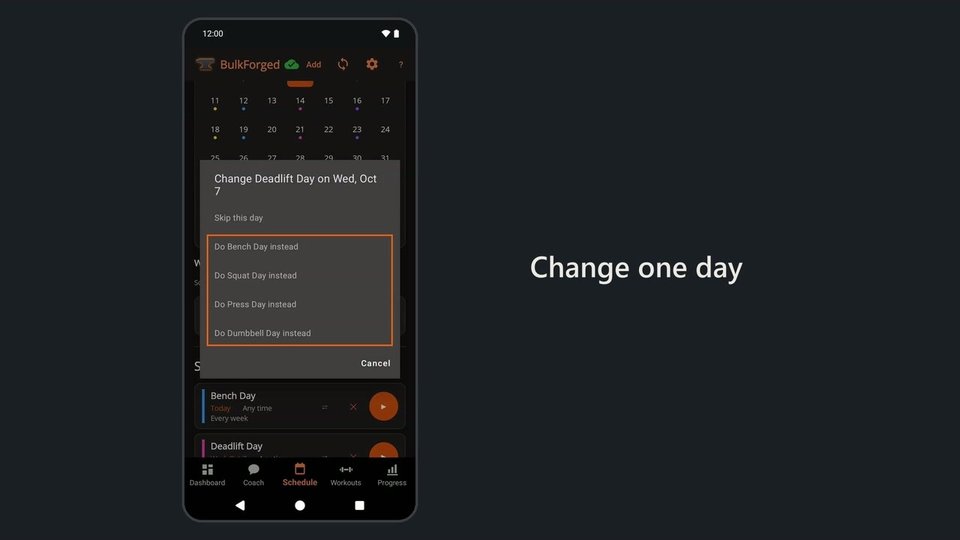 0:38Workout schedule app: skip or swap one day, keep the rest
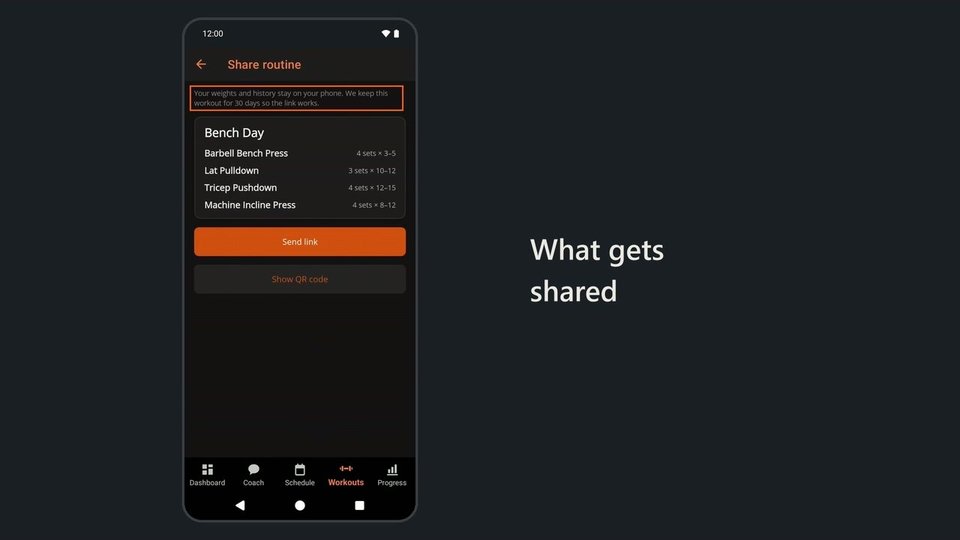 0:44Share workout app: send a routine, keep your weights private
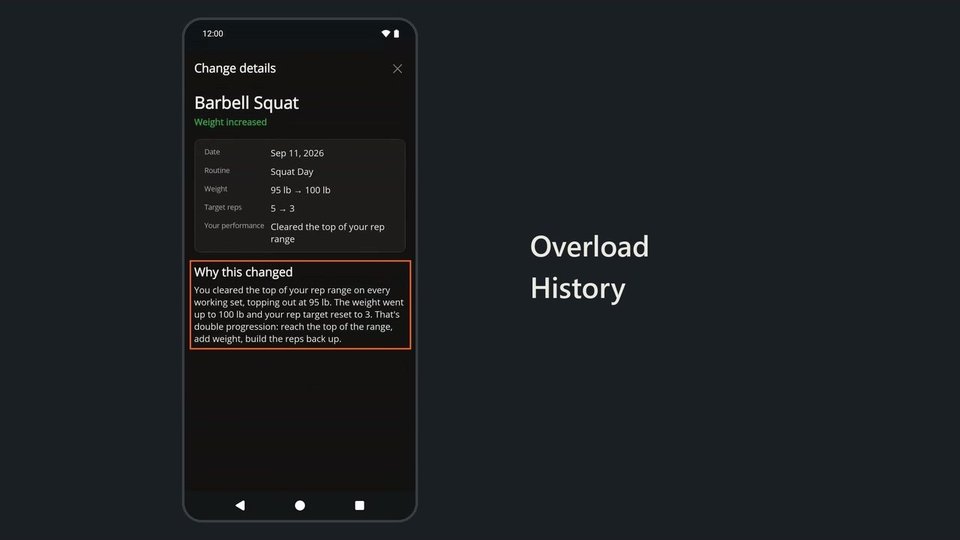 1:08Progressive overload tracker: every target change, and why
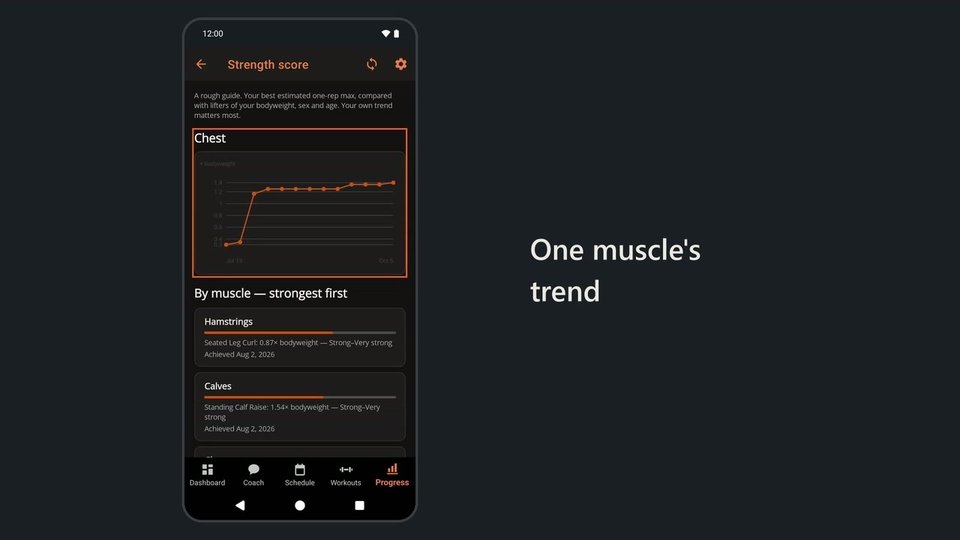 0:51Strength score app: how strong you are, muscle by muscle
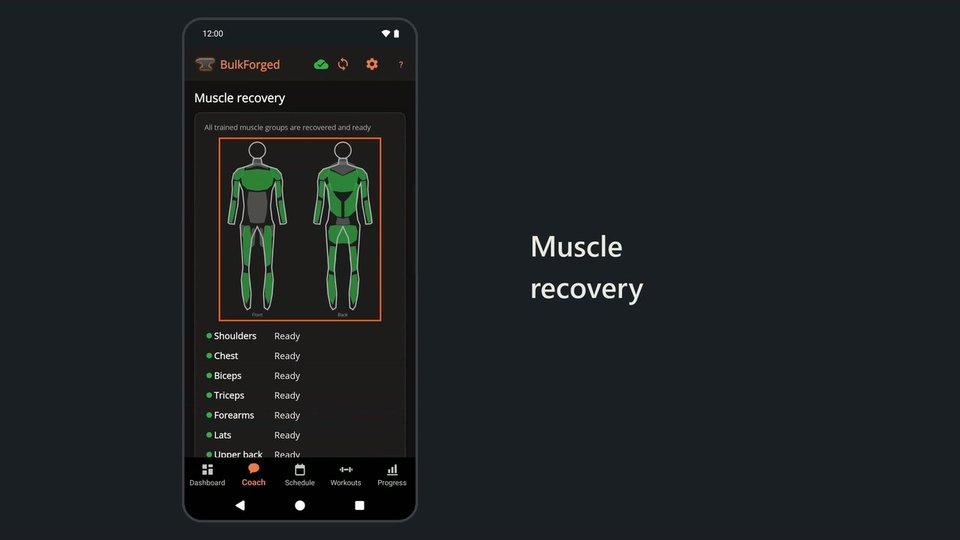 1:16Muscle recovery app, with coach advice and daily macro ranges
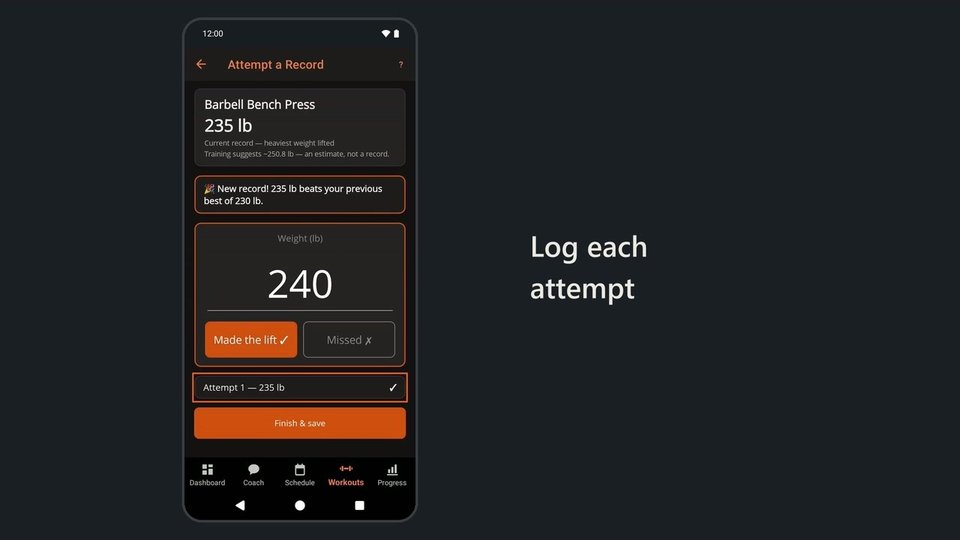 0:50One rep max test: log each heavy single, made or missed